
To migrate a legacy application to cloud with minimal downtime, plan around the way the application works today, not just the server it runs on. Its database, file shares, identity provider, scheduled tasks, network rules, and outside integrations can all affect when and how you move it.
A low-disruption migration is a sequence of decisions: understand dependencies, test a representative move, agree on a cutover plan, and verify the application after the switch. The right approach depends on how much downtime the business can accept, how sensitive its data is, and how safely the source environment can be kept available during the transition.
Set the downtime and recovery expectations first
Before selecting an AWS or Azure migration method, agree on what “minimal downtime” means for this application. Ask the business owner when the service can be unavailable, which users or workflows are affected, and how much recent data the business can afford to lose if a problem occurs. These expectations shape the technical plan.
Some applications can be moved during a planned maintenance window. Others may need data replication while the source application remains in use, followed by a short pause to complete synchronization and switch traffic. Replication can reduce the time users are unable to work, but it adds complexity: the team must monitor synchronization, manage changes during the transition, and avoid inconsistent writes.
Record the agreed downtime and recovery expectations, who can approve a cutover, and what conditions would make the team stop or reverse the change. These are business decisions as much as technical ones. For broader planning context, see this guide to strategic IT planning for growth.
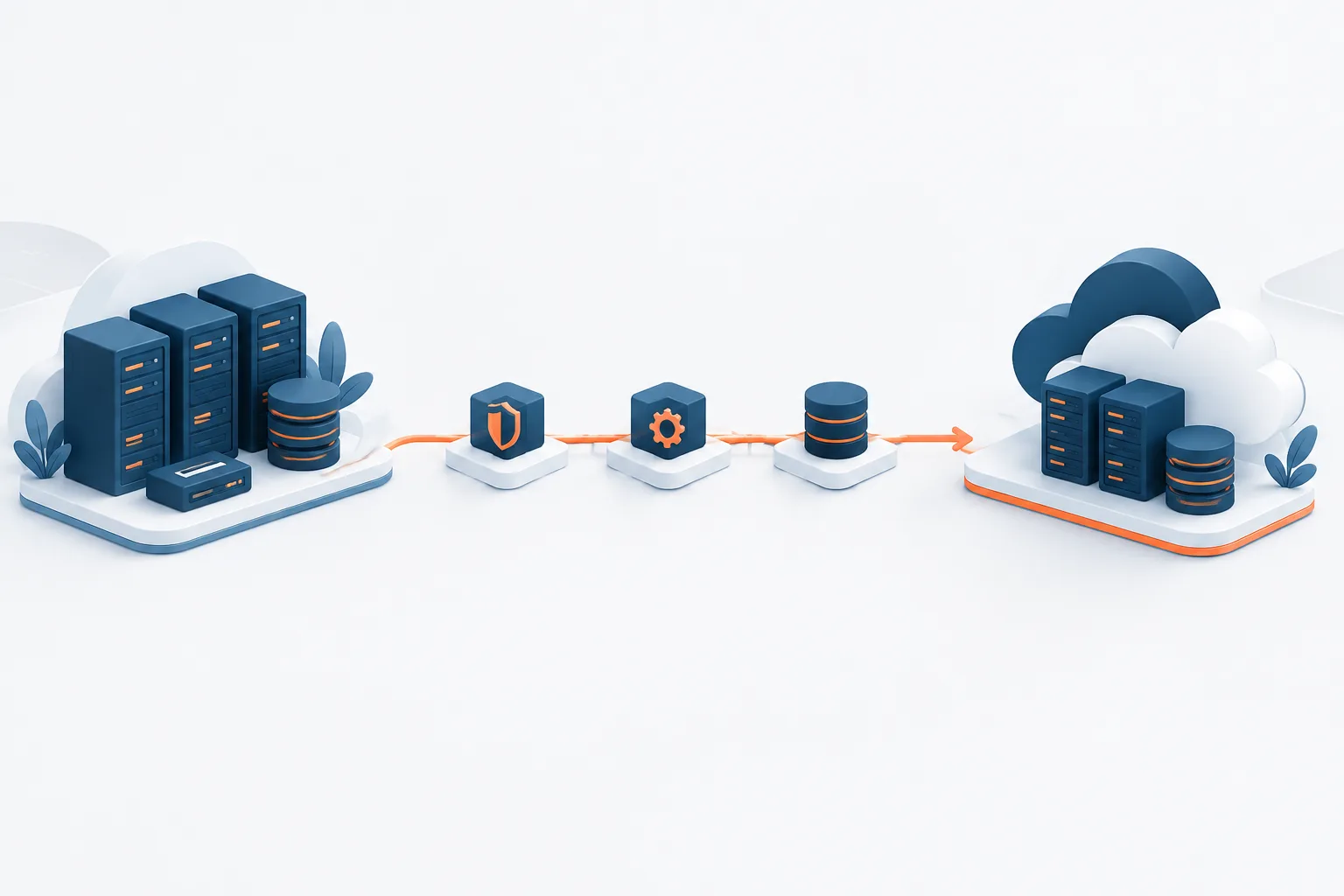
Map dependencies before moving anything
A legacy application may rely on connections that are poorly documented or known only to a few employees. Moving the application server without finding those connections can leave the new environment running but unable to complete real work.
Build a dependency inventory with input from application owners, users, and IT staff. Check for:
- Data stores: databases, file shares, local files, and data exchanged with other systems.
- Identity and access: user directories, service accounts, permissions, and authentication flows.
- Scheduled and background work: batch jobs, scripts, report generation, and services that run outside normal user activity.
- Network connections: internal systems, external services, firewalls, name resolution, and required ports.
- Operational requirements: backups, monitoring, certificates, licensing, and recovery procedures.
Confirm what each connection does, who owns it, and whether it must be available during migration. Observe real application activity where possible, and compare what you find with configuration files and existing documentation. A detailed assessment helps identify technical and operational dependencies before the move; AWS provides guidance on assessing an application in detail. Keeping the findings current also supports day-to-day operations, as explained in this guide to proactive IT documentation.
Choose how to move the application and its data
Decide whether the application server and database should move together or separately. Moving them together can reduce the time they spend communicating across environments, but it may make the migration larger and more difficult to test. Moving them separately can offer more control, but only if the application supports the arrangement and the connection between environments performs reliably.
Do not assume that a database can be moved independently just because the application starts successfully. Test the actual business transactions that read and write data, along with integrations and background jobs. For a low-downtime database migration, define how data changes will be copied, how synchronization will be checked, and when writes to the source will stop. The team should understand what happens to any data written after traffic moves to the cloud, especially if rollback becomes necessary.
Choose a migration method that fits the application, the available maintenance window, and the team’s ability to operate it. Microsoft’s cloud migration guidance can help teams plan and execute a move in stages. The goal is not to minimize planned downtime at any cost; it is to reduce disruption without creating unacceptable data or recovery risk.
Run a representative test migration
A test migration should exercise the parts of the application that matter to users, not just confirm that a server boots. Choose a representative workload and test the migration steps in an environment that resembles the intended cloud setup. Include the relevant database, access controls, network paths, and integrations where practical.
Before the production move, check that users can sign in, complete important business transactions, and access the right data. Verify that scheduled tasks run, connected systems exchange information, and the application performs acceptably under expected use. Check backup and recovery procedures too. Document what failed, what changed, and what the team will do differently during cutover.
Use the test to rehearse the runbook and confirm that each owner understands their part. Microsoft’s guidance on planning cloud adoption can help teams structure preparation before workloads move. If the test exposes unclear ownership, missing dependencies, or unreliable data synchronization, address those gaps before scheduling the production switch.
Prepare a cutover and rollback runbook
A cutover plan turns a migration design into an ordered, coordinated change. Write down the steps and assign an owner to each one. The runbook should cover:
- Who approves the go/no-go decision and who communicates with users.
- When the change freeze begins and which updates must pause.
- The sequence for stopping services, checking replication, and completing final data synchronization.
- How traffic will be directed to the cloud environment and how the team will confirm the change took effect.
- Which user journeys, integrations, and system checks must pass before normal operations resume.
- What conditions trigger rollback, who makes that call, and how the original environment will be restored.
Be specific about rollback. A running source system is not automatically a safe fallback if users have already created new records in the cloud. Decide how to handle writes made after cutover, how to preserve data, and whether reversing traffic is technically safe. Keep the source environment intact until the cloud version has passed agreed checks and the business owner accepts the result. AWS outlines important considerations in its guidance to planning the cutover phase.
Validate the application after the move
After traffic switches, verify the application from the user’s point of view and the operations team’s point of view. Confirm that key transactions complete, data is present and consistent, permissions work, and integrations respond as expected. Check scheduled jobs, monitoring alerts, backups, and application performance. Ask users who know the workflow to confirm that normal tasks are working.
Agree in advance how long the team will closely monitor the new environment and what signs would require action. Keep the source available during this stabilization period according to the rollback plan. Do not decommission it simply because the initial checks passed; first confirm that the business can operate reliably on the cloud version and that recovery arrangements are understood.
For organizations that want help coordinating cloud planning and migration, Zevonix offers cloud services and migration. A migration plan can also be reviewed alongside ongoing operational needs, such as monitoring, backup, and support.
Frequently asked questions
Should the application server and database move at the same time?
It depends on how tightly they depend on each other and whether the application can operate across the source and cloud environments during the transition. Test the proposed arrangement with real transactions before choosing a production sequence.
How can data stay synchronized during a low-downtime migration?
Plan how changes will be copied from the source, how the team will confirm synchronization, and when source writes will pause. The method depends on the database and migration design, so test it before the production cutover.
When should a team roll back instead of fixing an issue in the cloud?
Use the agreed rollback triggers. If a critical workflow fails, data integrity is uncertain, or the team cannot restore service within the accepted window, follow the runbook rather than improvising. Account for data written after cutover before directing users back to the source.
What should be checked after migrating to AWS or Azure?
Validate user access, key business transactions, data integrity, integrations, scheduled work, performance, monitoring, and backups. Confirm the results with both IT staff and people who use the application.
Make the move deliberate
Less downtime starts with knowing what the application depends on and what the business needs to keep operating. Map those dependencies, rehearse the migration, set clear cutover and rollback conditions, and validate the cloud environment before retiring the source. If you are preparing a legacy application for AWS or Azure, contact Zevonix to discuss cloud migration planning.